Today we completed the Post Cap project and we were introduced to the Surfacing features. Explain what the advantages and disadvantages of using Surfaces would be.
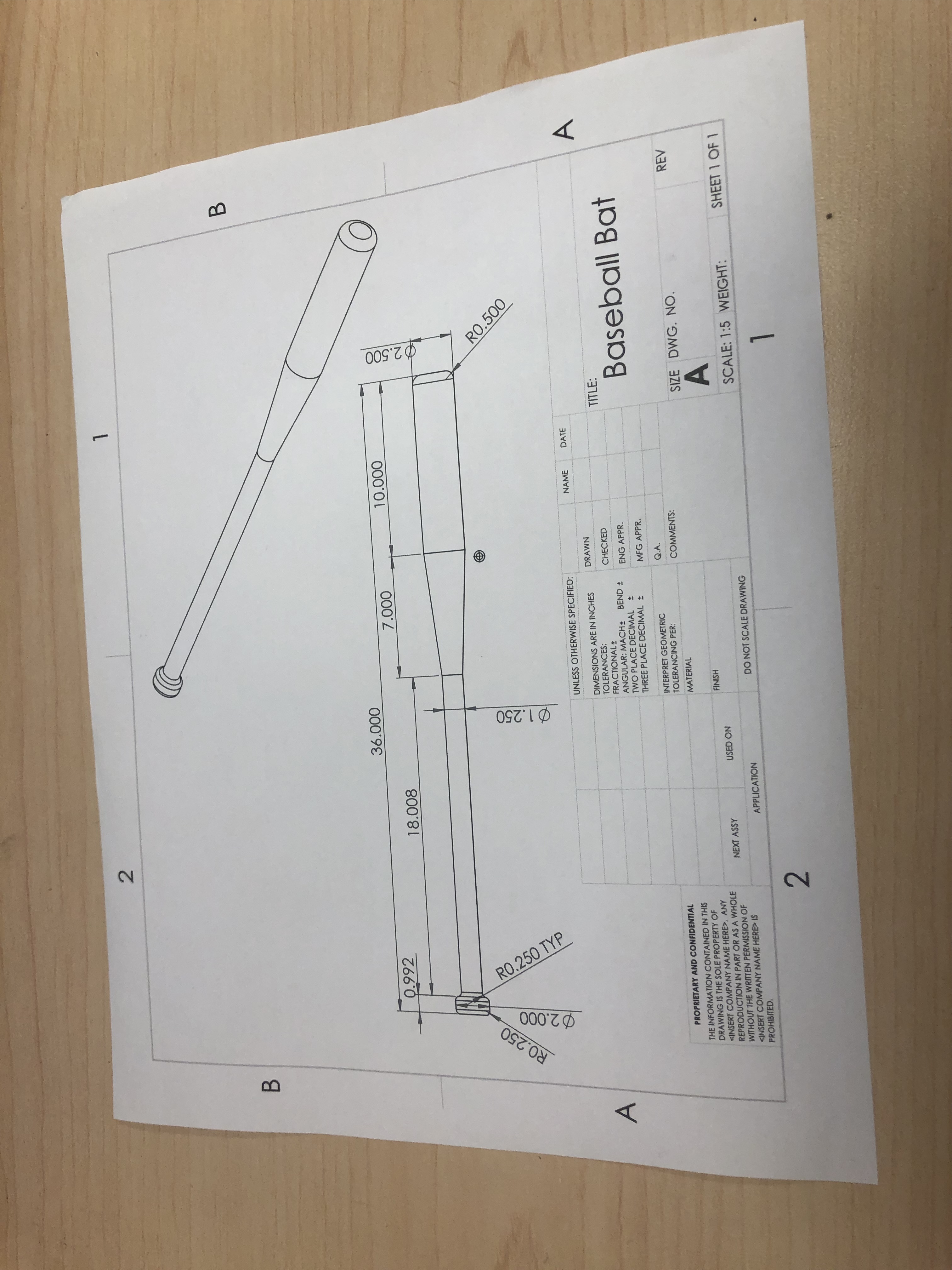
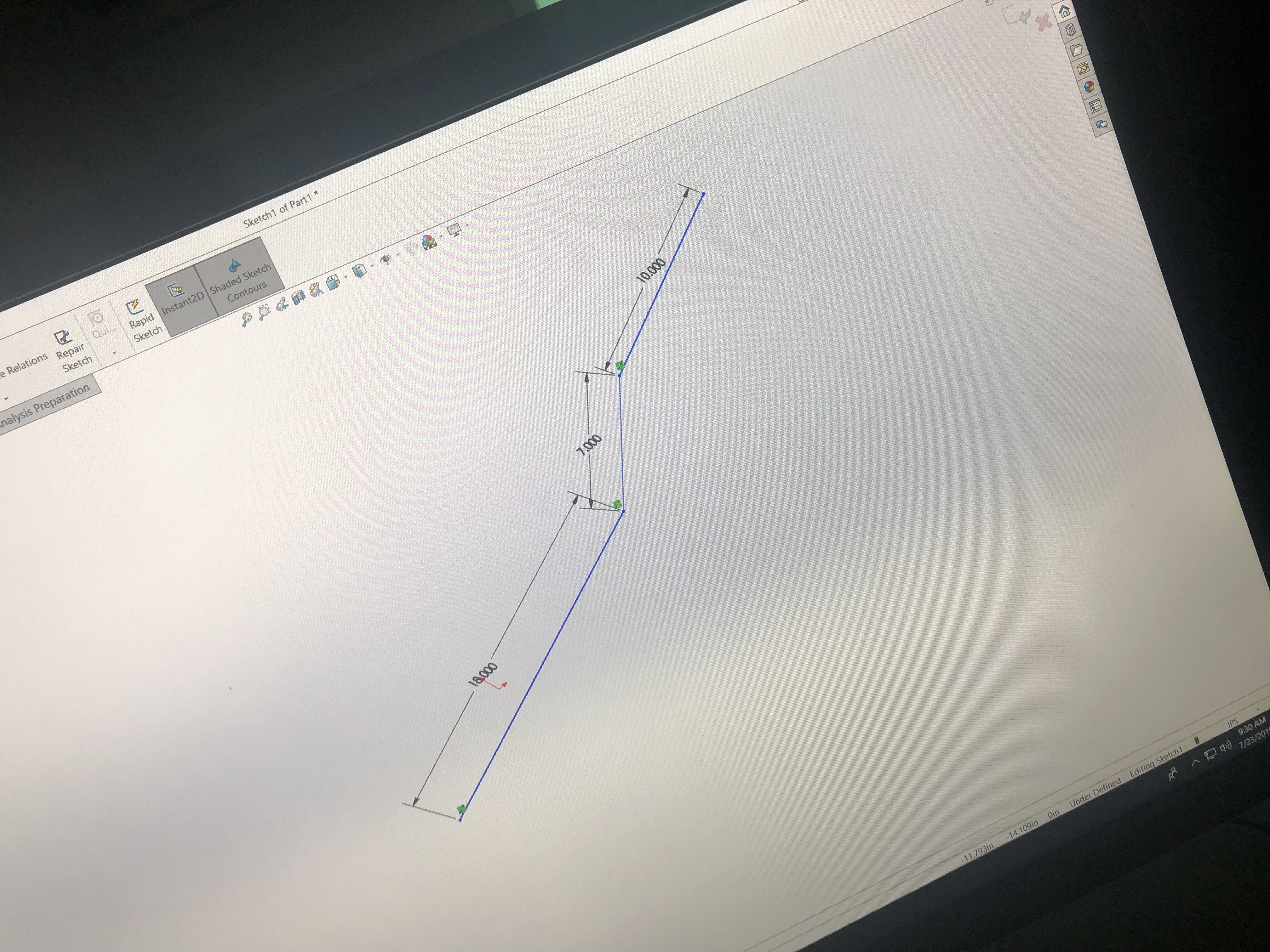
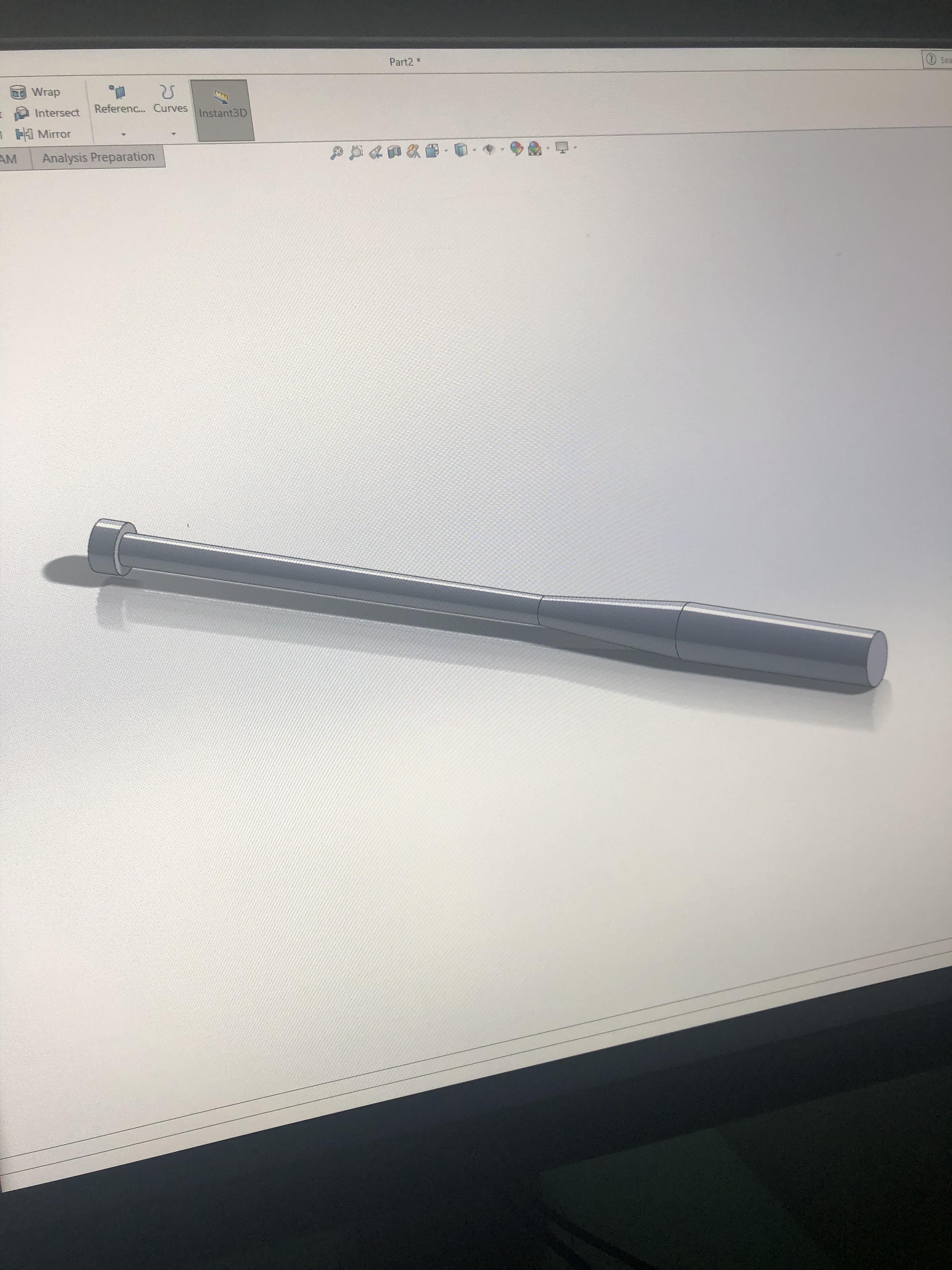
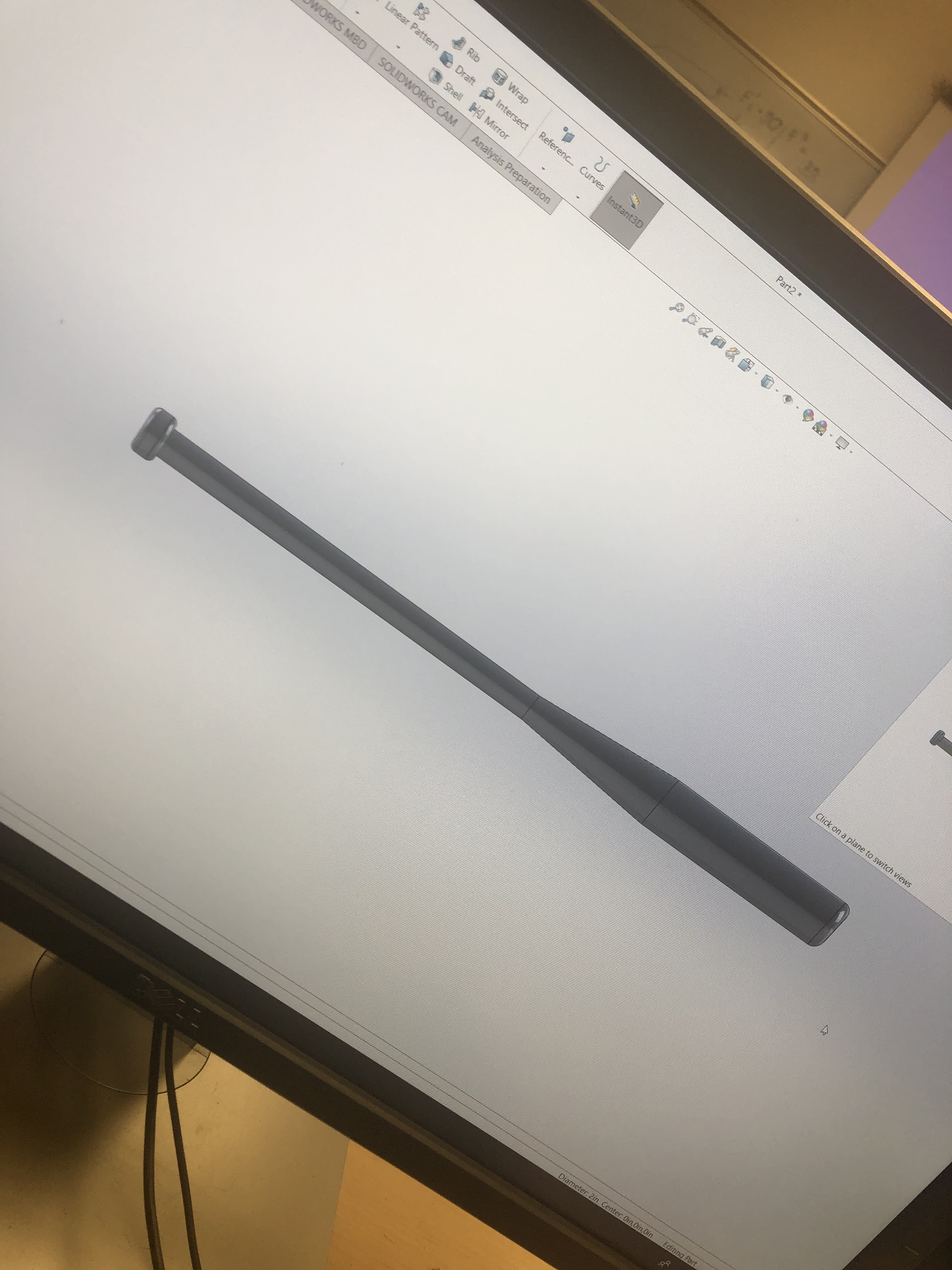
we first created the shape of the bat and then we added the details to the bat. we did not have to create multiple sides to the bat . we created one part and used the revolt to make it go round and come out with the bat. we created just the half and revolt to make it go all the way around. we created lines that were 18.000, 7.000 and 10.000 to draw the basic shape to the bat then we added a line below 18, the 7 and the 10 inch lines that was 36 inches. we added little shape that connected the 36 and the 18 line that had the sides to be 1 and little bit above the 18 line that was .38. then we revolved to make it go all the way around. i drew some lines above the X,Y axis and was not allowing me to revolve when i was done and had a difficult time trying to figure it out. i would have never figured it out if i hadn’t been working with solid work this summer.
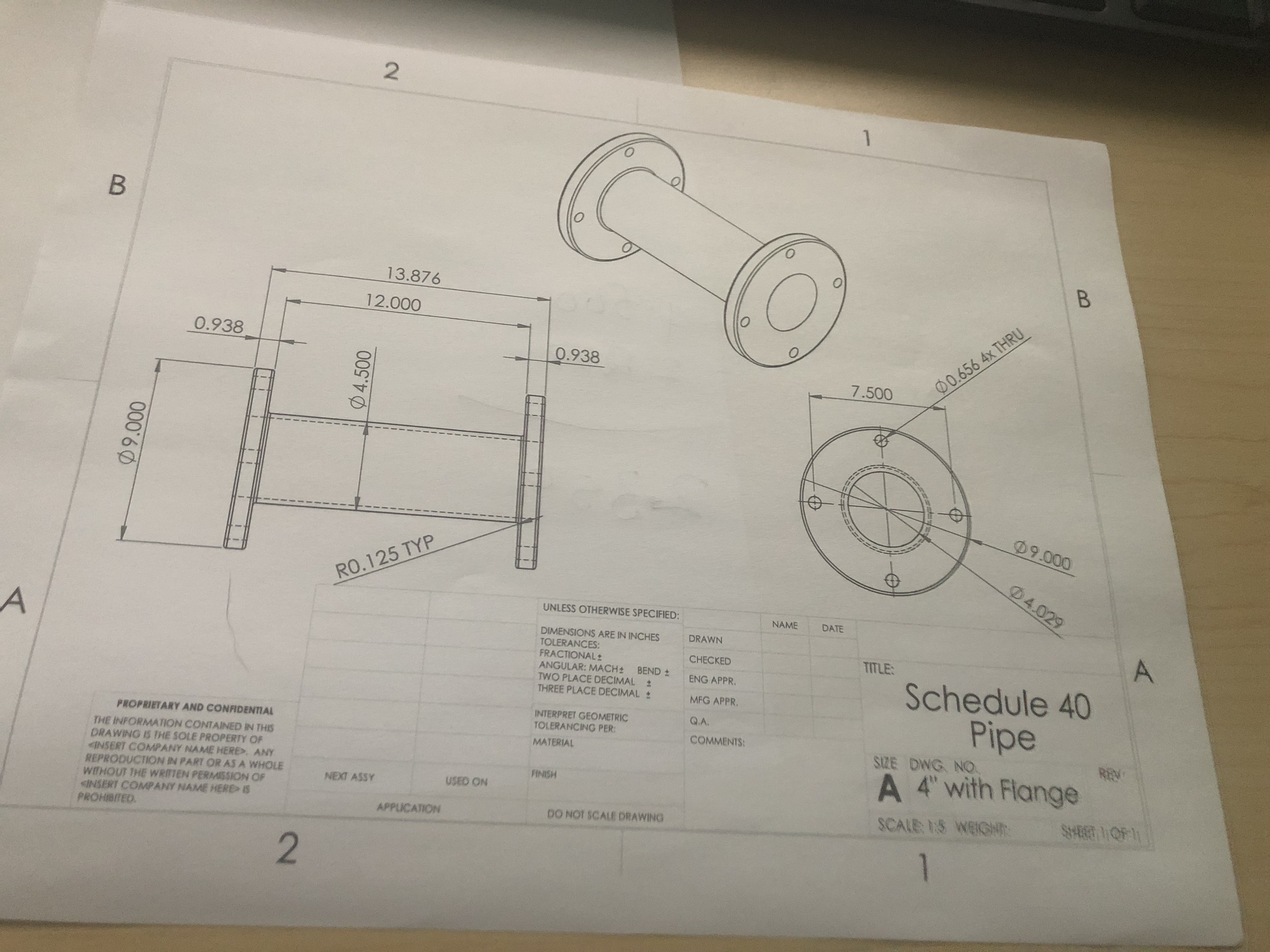
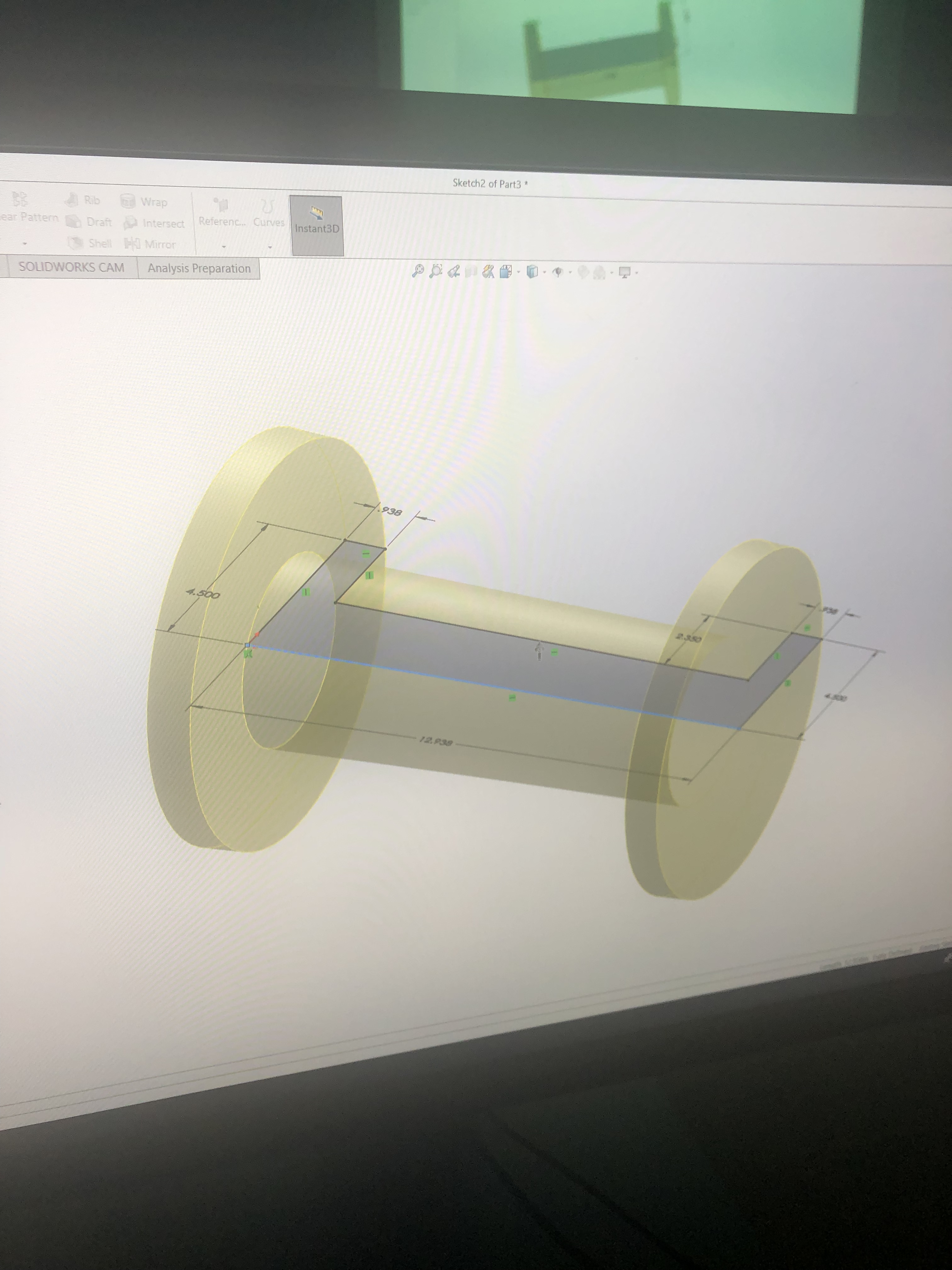
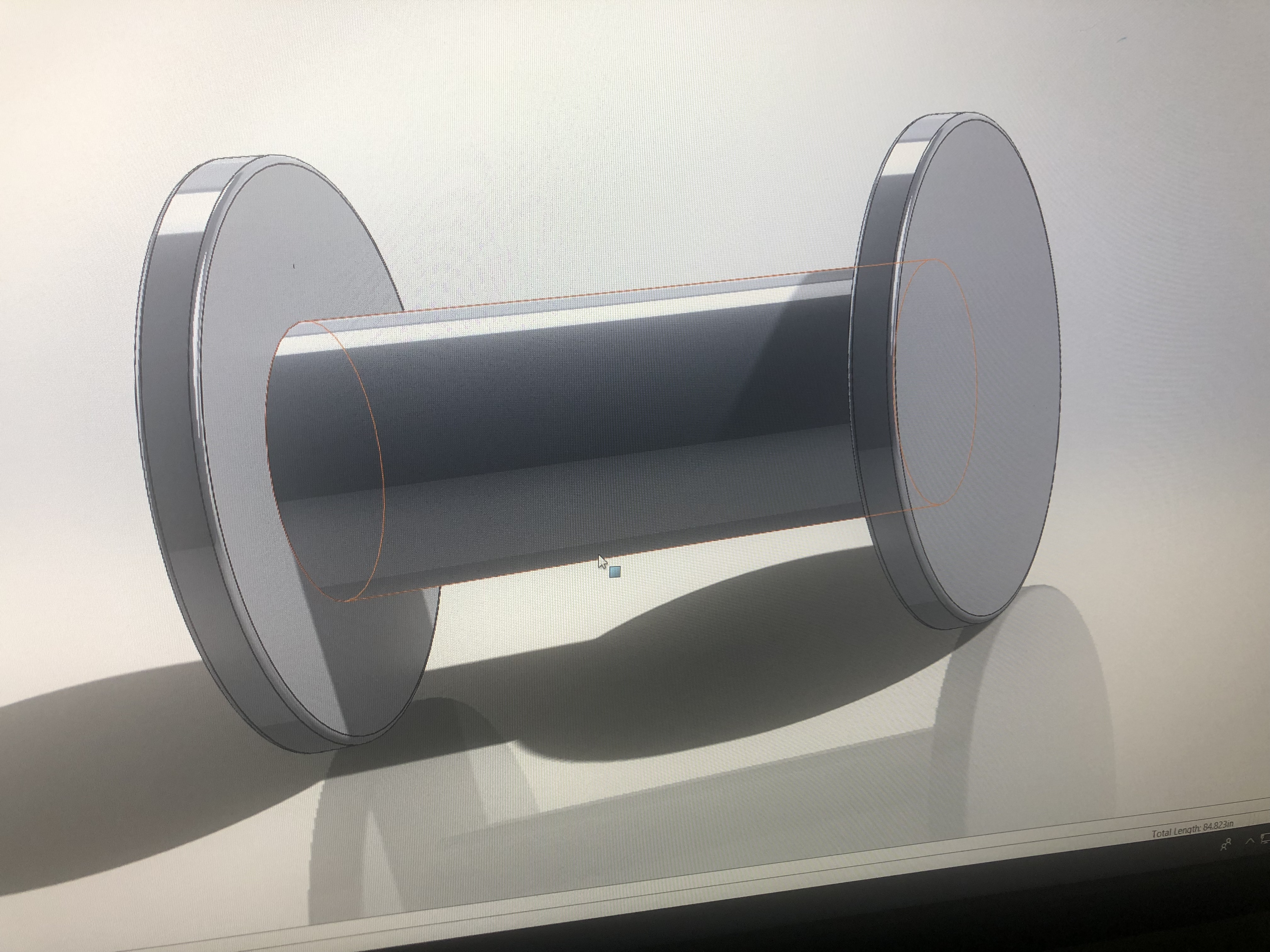
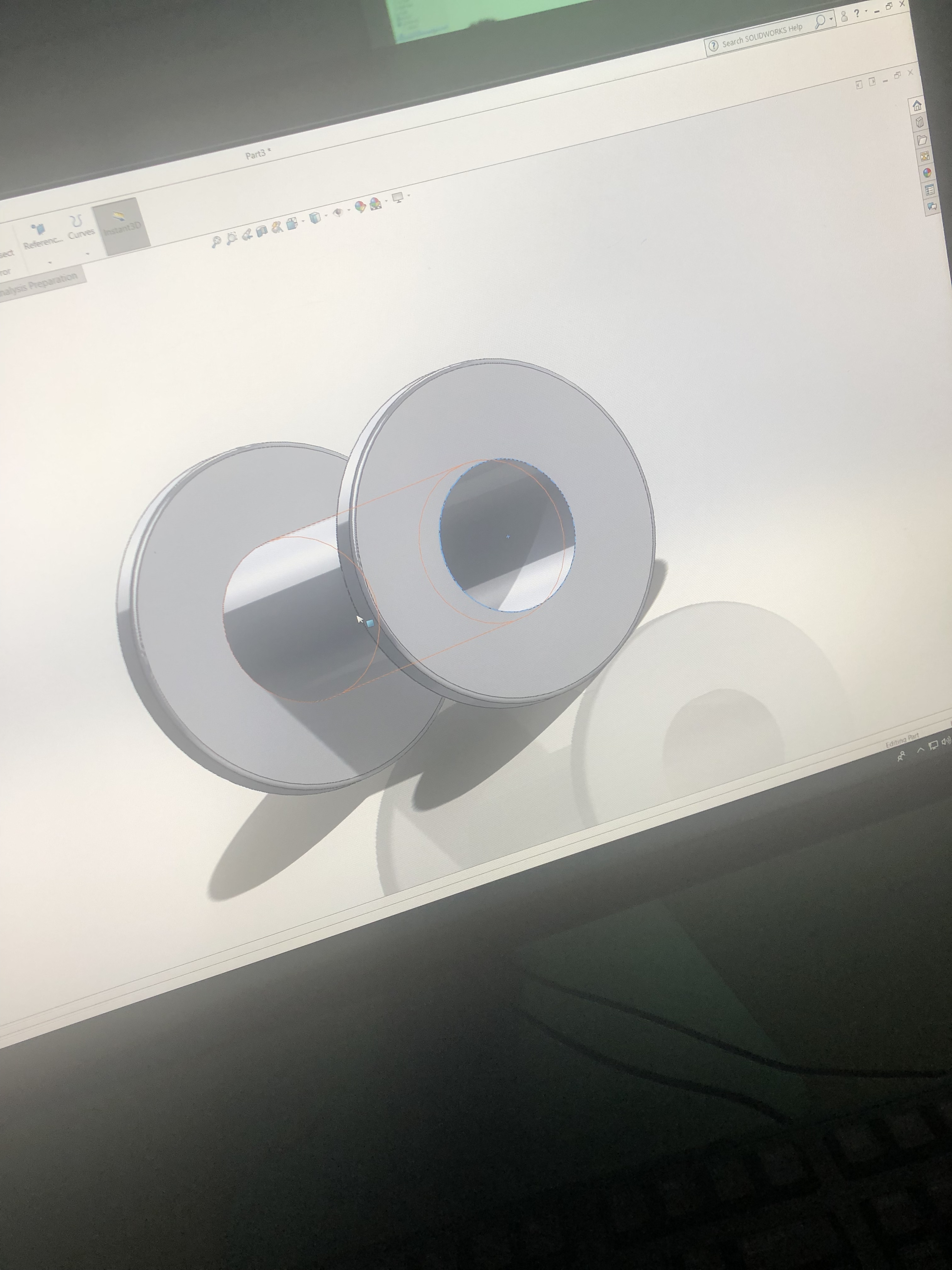
We also worked on the schedule 40 pipe it was as much easier than the bat
 ArafaUpwardBound