Today we were introduced to the Loft features in SolidWorks. Explain how the Loft process works.
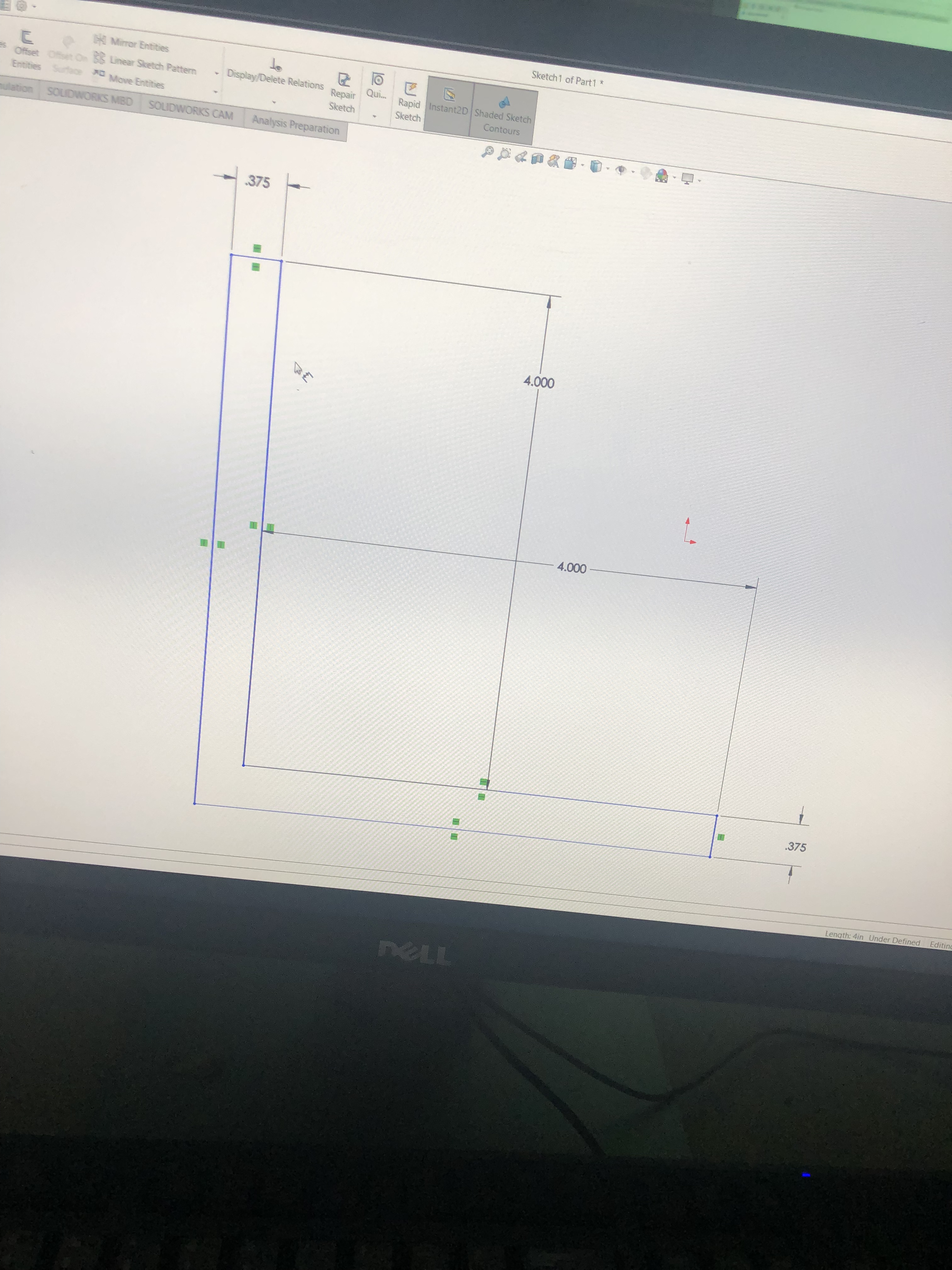
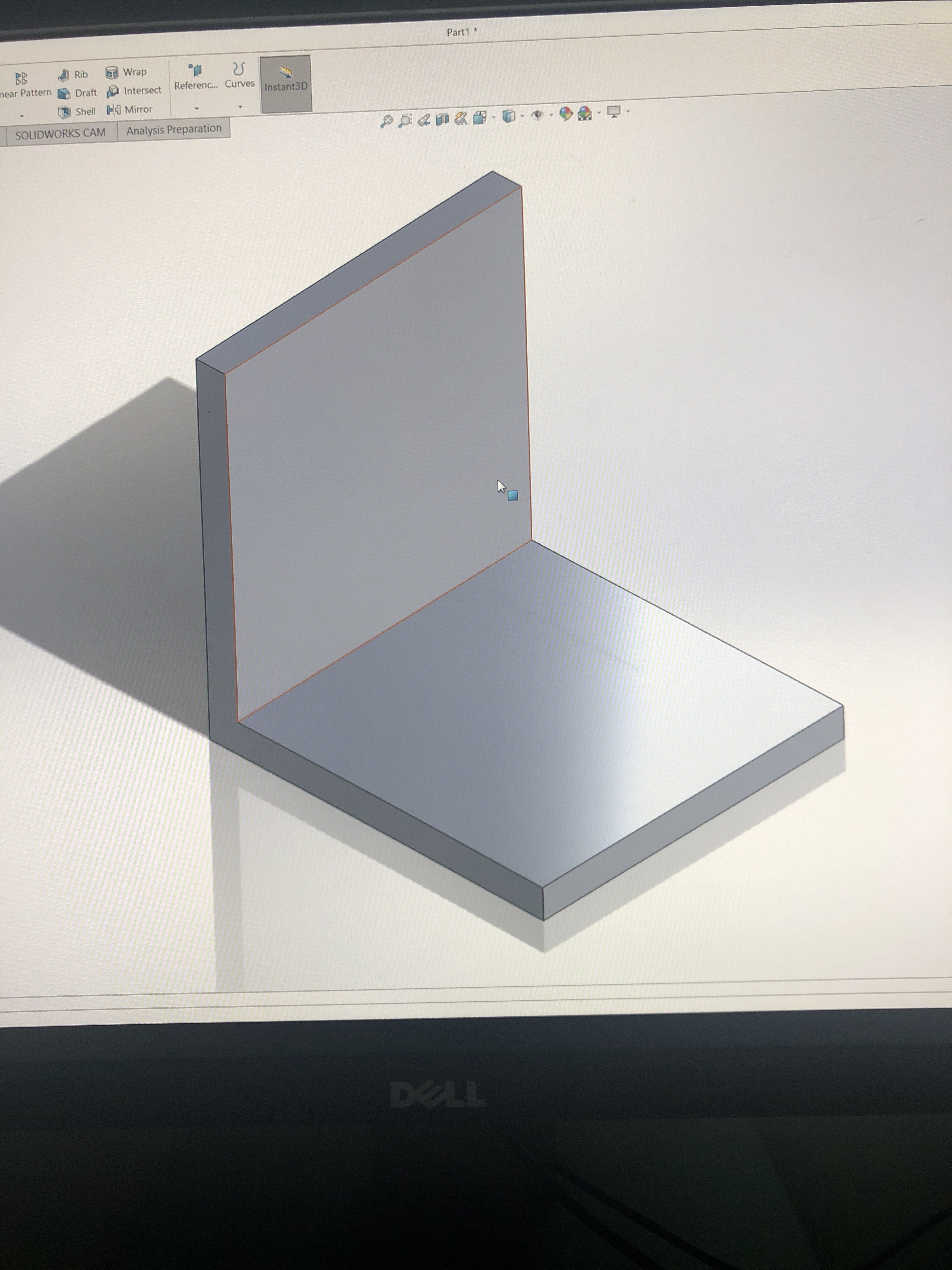
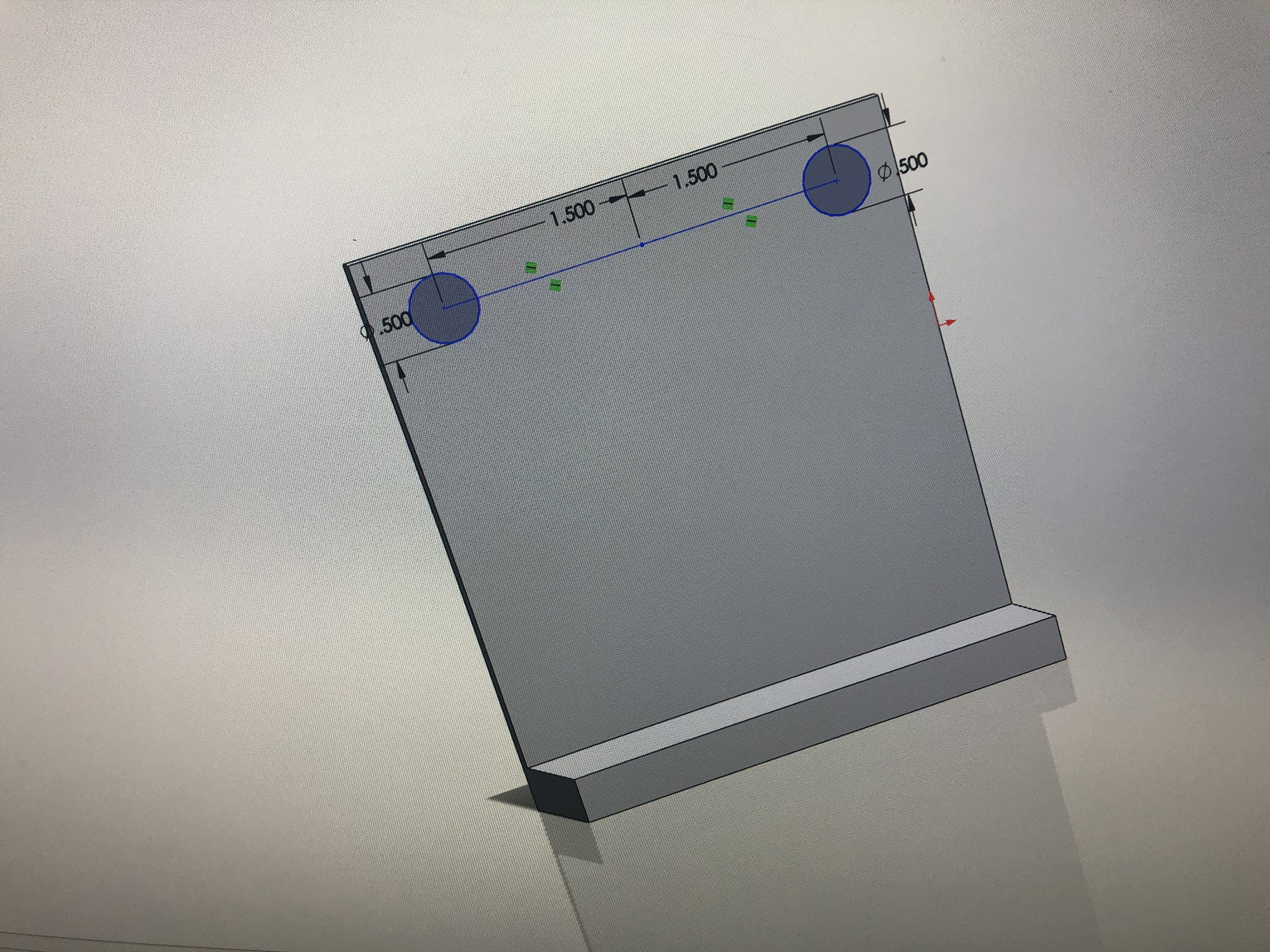
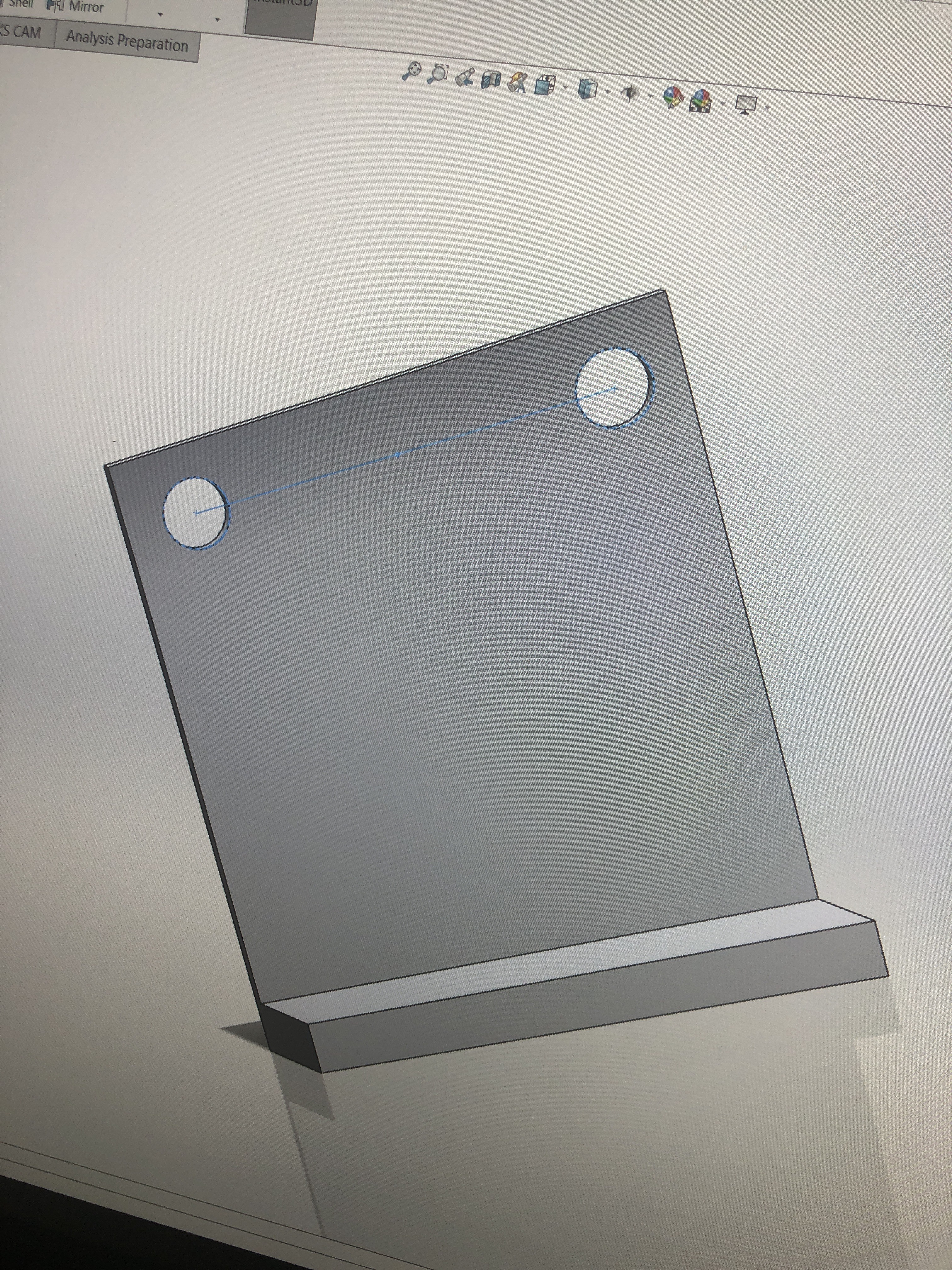
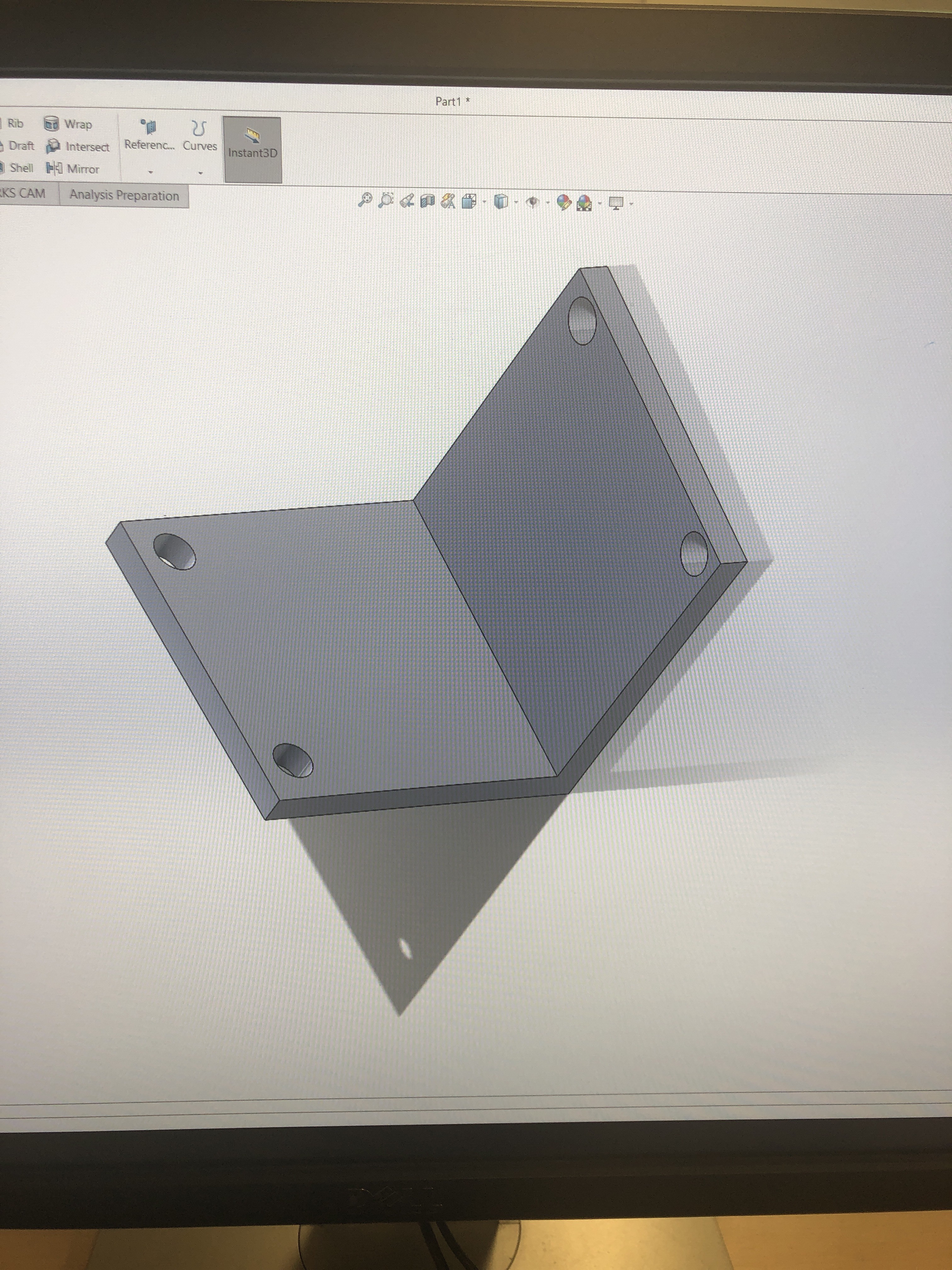
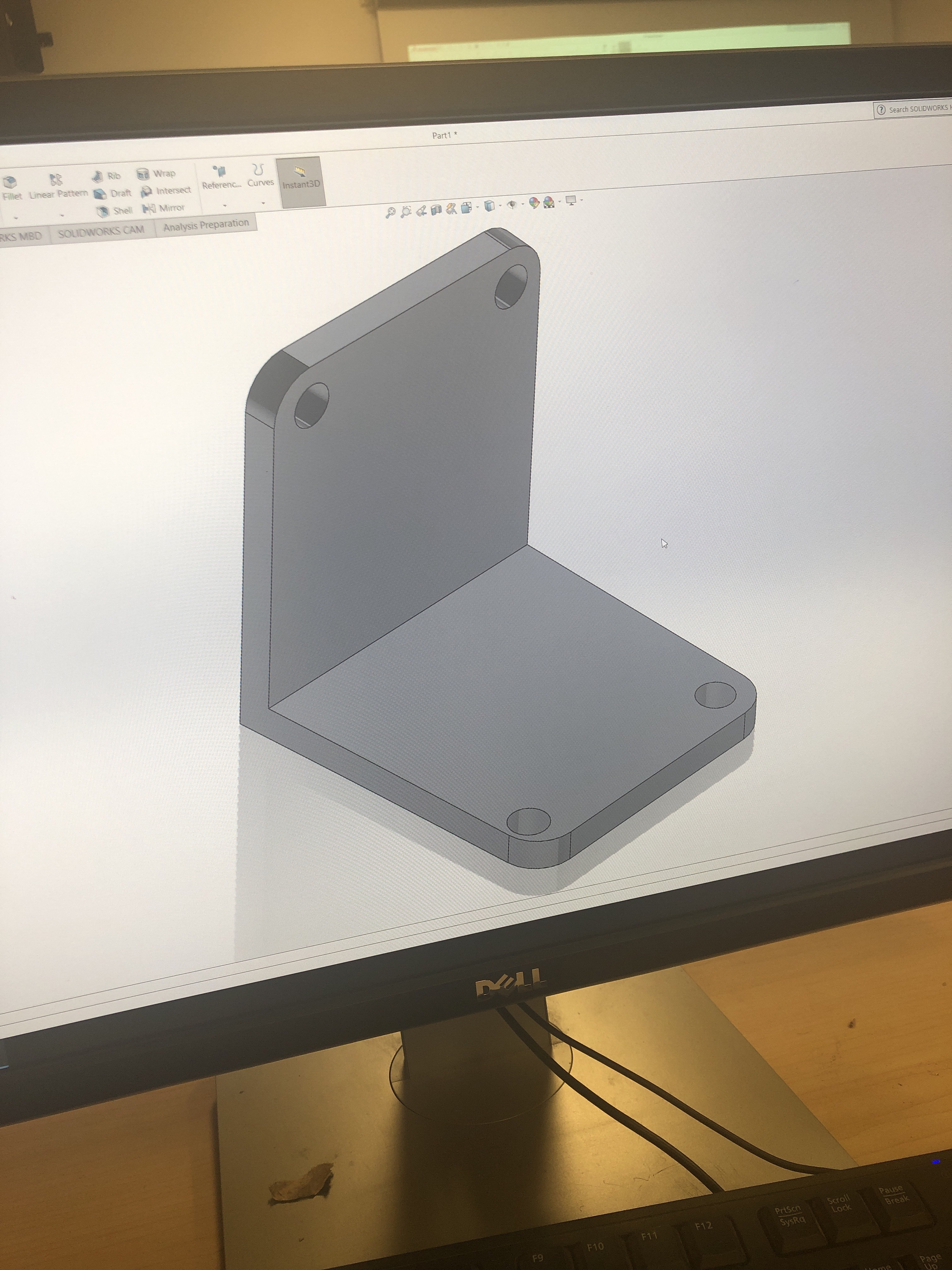
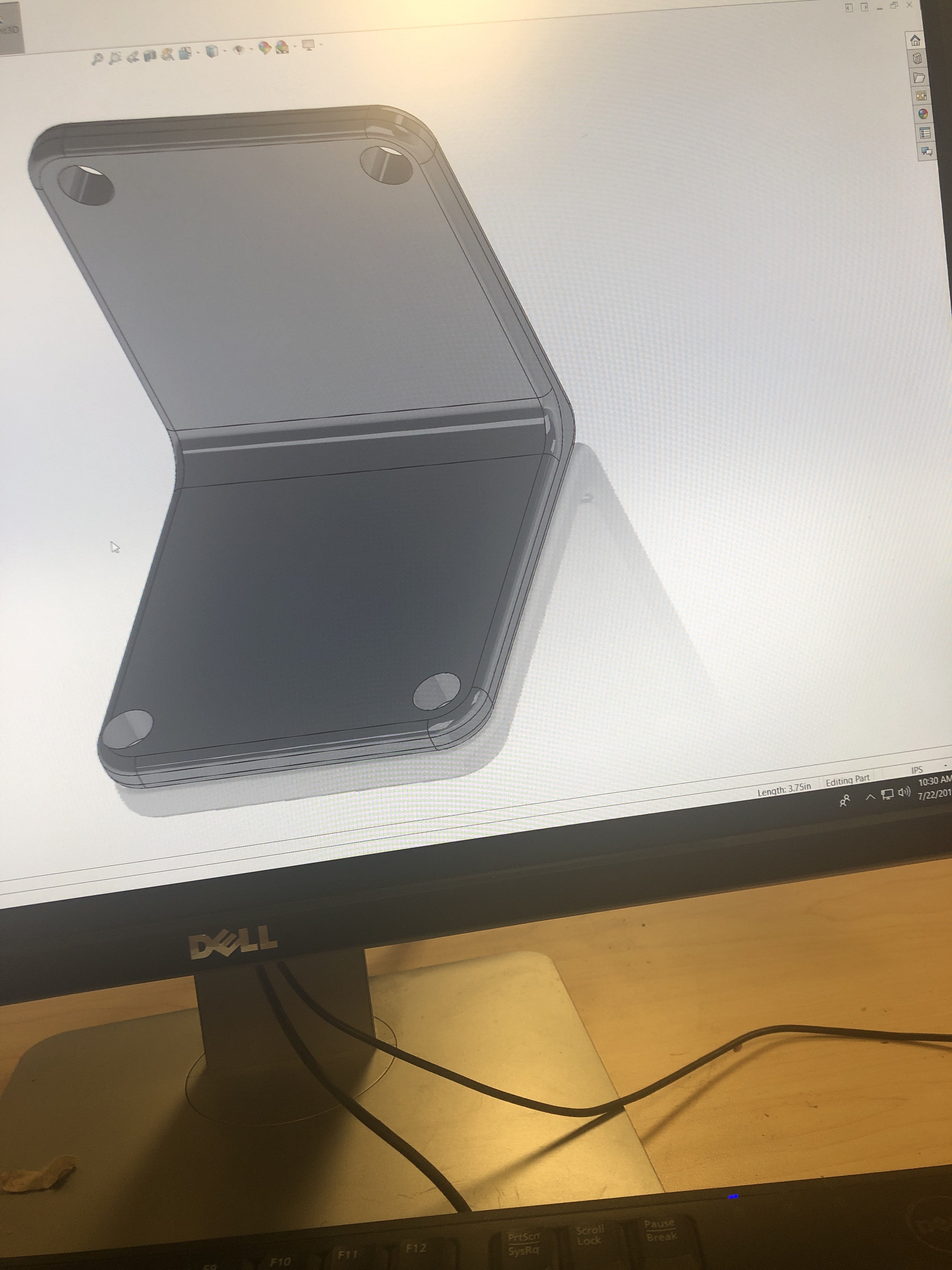
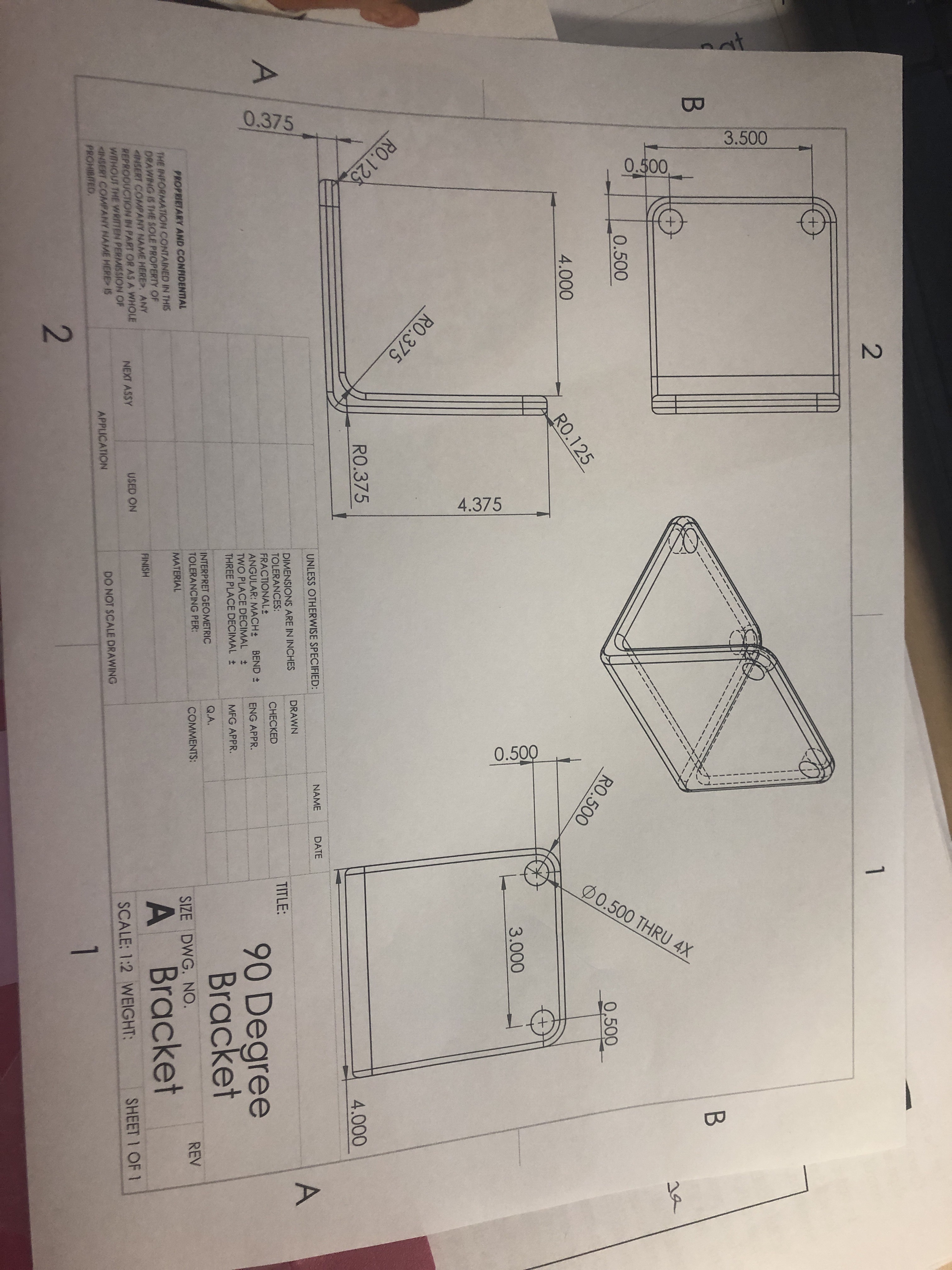
first we created a 90 degree bracket we created a horizontal and vertical lines that were 4.000. and the the width between them was .375.
Today we were introduced to the Loft features in SolidWorks. Explain how the Loft process works.
first we created a 90 degree bracket we created a horizontal and vertical lines that were 4.000. and the the width between them was .375.
 ArafaUpwardBound